By Samantha Peel | Welly Pictures | One-to-One Photography Tuition, NorthamptonshireBefore we talk about camera settings, composition, or editing, I want to say something important: if photography feels confusing, that does not mean you are not creative, technical, or capable.
You may have watched tutorials, read about the Exposure Triangle, switched your camera into Manual mode, and ended up with images that were too dark, too bright, or completely unpredictable. It is very easy to come away from that feeling as if you have failed some kind of test.
You have not failed. Most online photography advice is aimed at everyone, which means it is rarely shaped around your camera, your subject, your location, or the exact moment where your understanding gets stuck.
This is why I offer personalized 1:1 Photography Tuition sessions. These target amateur photographers or business owners who bought a camera but don't know how to use it yet.
This article walks through five foundations I often cover in my tuition sessions across Northamptonshire. The aim is not to overwhelm you with jargon, but to explain the basics in a calm, practical order so your camera starts to feel more like a useful tool and less like a small machine trying to embarrass you.
What You’ll Learn
How exposure works without getting lost in technical language.
Why composition is a habit you can practice, not a mysterious talent.
How to stop your camera focusing on the wrong thing.
Why light matters more than almost any setting.
How editing should finish a good photograph, not rescue a confusing one.

1. Exposure: The light decision your camera is always making
Every photograph begins with one simple question: how much light should the camera let in?
The Exposure Triangle is the name given to three controls: aperture, shutter speed, and ISO. Each one is just a different way of answering that light question. The useful part is understanding the side effect of each control.
Aperture controls how much light enters through the lens. A wide aperture, such as f/1.8, lets in more light and can create a soft, beautifully blurred background. A narrow aperture, such as f/11, lets in less light but keeps more of the scene sharp from front to back.
Shutter Speed controls how long the camera records light. A fast shutter speed freezes movement and useful for sports, children, pets, or anything moving quickly. A slower shutter speed lets movement blur, which can cause camera shake if you aren't careful, but can also be used creatively for flowing water or light trails.
ISO controls how sensitive the camera is to available light. A low ISO gives a cleaner, crisper image but needs plenty of light. A higher ISO helps you shoot in darker situations but can introduce digital noise or grain.
Beginner Tip: A great starting point is Aperture Priority mode (usually marked A or Av on your dial). Choose a low aperture number for portraits or a higher number for landscapes, then let the camera manage the other settings while you learn what aperture does to the final image.

2. Composition: Learning where to put things in the frame
Composition is simply how you arrange the elements in your photograph. It can sound artistic and abstract, but most of the time it comes down to where you stand, what you include, and what you leave out.
The Rule of Thirds: Imagine your frame divided into a three-by-three grid. Place your main subject near one of the crossing points rather than dead-centre. This instantly creates a more natural sense of balance and movement.
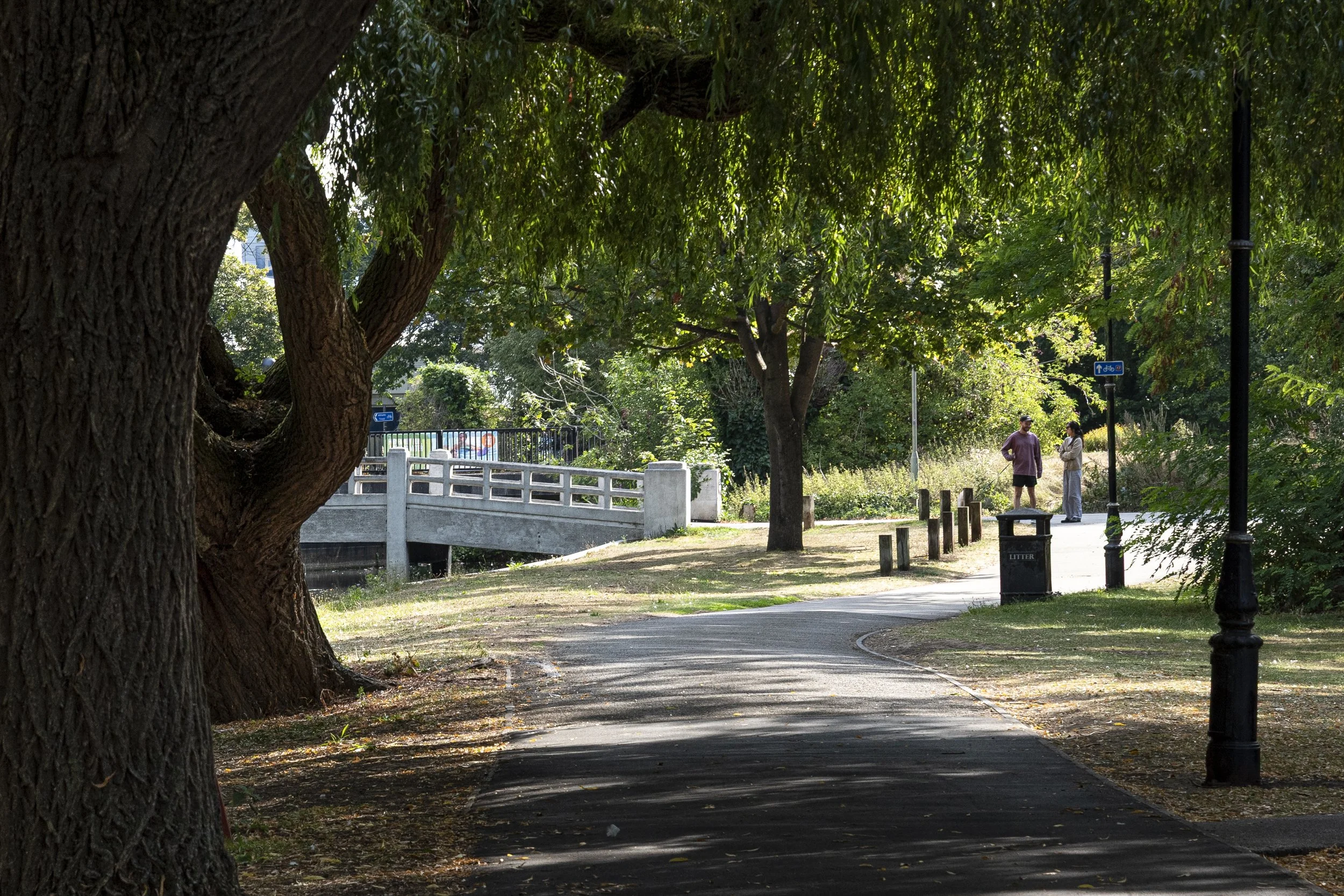
Leading Lines: Guide the viewer’s eye through the photograph. Roads, fences, paths, tables, shadows, and rows of chairs can all lead attention directly toward your subject.
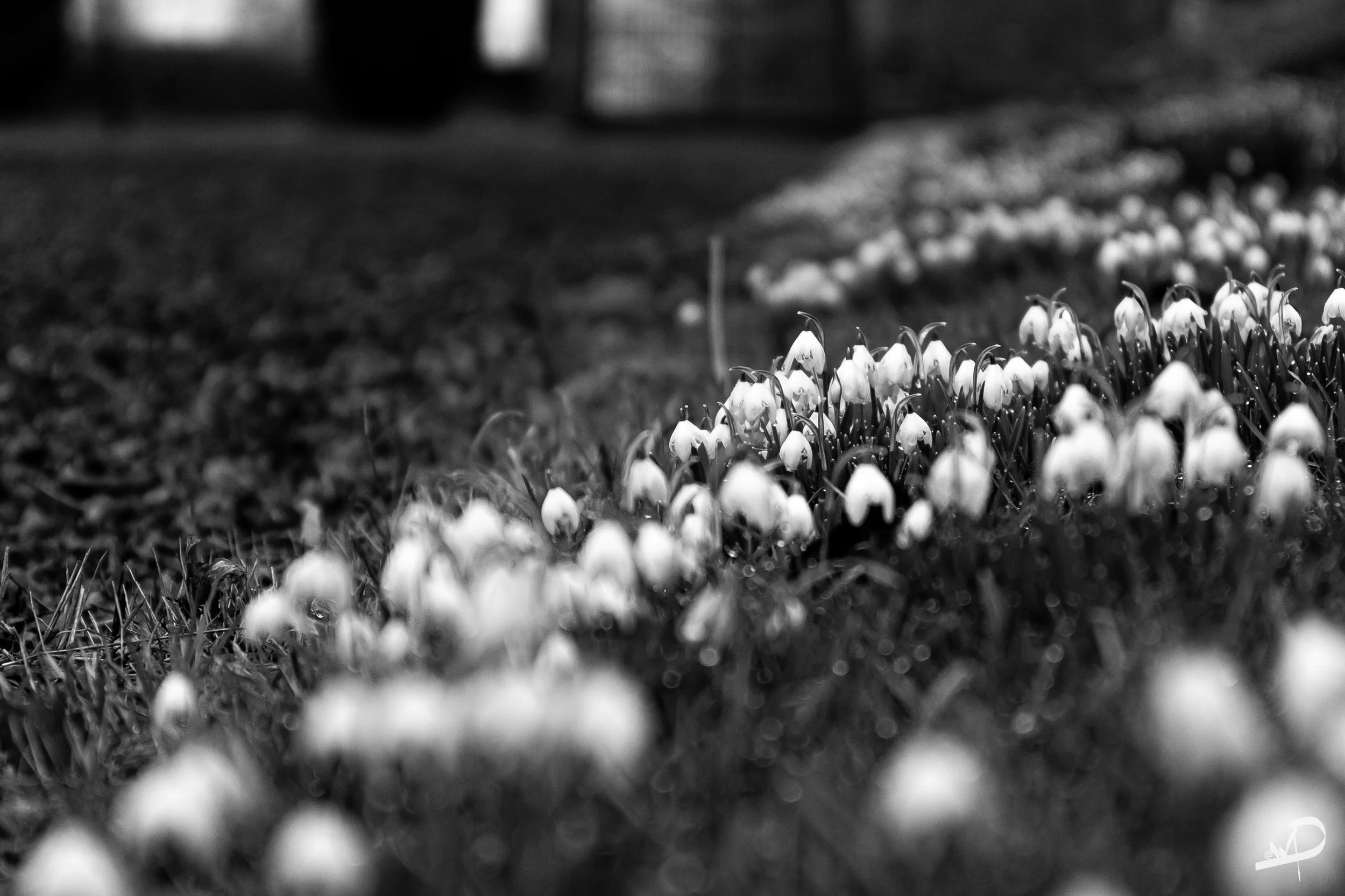
Foreground Interest: Give your photograph depth. Something simple in the front of the frame, such as flowers, rocks, or texture, can make a flat landscape feel immersive.
Negative Space: This is the deliberate use of emptiness. A small subject against a quiet, uncluttered background is often much more powerful than a busy image where everything is competing for attention.
3. Focus: When the wrong thing is sharp
Autofocus is clever, but it does not always know what matters most in your photograph. It may choose the background, a bright object, or whatever happens to sit in the middle of the frame.
Single Focus Point: If your subject is soft but the background is sharp, try using a single focus point instead of a wide automatic focus area. Place that single focus point directly on your subject's eye, half-press to confirm focus, and then take the photo.
Focus on the Nearest Eye: For portraits, this is essential. When using a wide aperture, the area of sharp focus becomes incredibly thin, so keeping the eyes sharp makes or breaks the portrait.
Control Your Autofocus: While manual focus has its place (like in macro work or low-light video), learning how to control your camera's autofocus system is far more useful for daily shooting.

4. Light: The thing you are really photographing
This is the concept that changes photography for many beginners: you are not just photographing a subject; you are photographing the light falling on that subject.
Direction Changes Everything: Front light can make a subject look flat. Side light creates shadow, depth, and texture. Back light can create a gorgeous glow and atmosphere, though it makes exposure more challenging.
The Golden Hour: Outdoors, the hour after sunrise and the hour before sunset are the easiest times to find beautiful light. The sun is lower, softer, and warmer, making portraits and landscapes look stunning.
Overcast Days Are Your Friend: Don't avoid cloudy weather! Clouds act like a giant, natural soft box, spreading the light evenly and eliminating harsh shadows. This is excellent for portraits, products, and detail shots.
Avoid Mixed Lighting Indoors: Window light may be cool and blue, while ceiling lights are warm and yellow. To keep things clean, choose one light source. Use window light only, or artificial light only, rather than mixing both.
5. Editing: Finishing the Photograph
Editing is not where you rescue a bad photo. It is where you finish a photograph that already has a strong foundation.
Think of editing as the final stage of the image-making process. Exposure, focus, composition, and light happen when you click the shutter. Editing simply refines what is already there.
The most useful beginner editing tools include:
Exposure and Contrast: Brighten, darken, or add strength to an image without changing the basic truth of the scene.
White Balance: Correct colour casts so skin tones, interiors, and natural light look believable and lifelike.
Cropping: Remove minor border distractions and strengthen your composition after the fact.
Clarity and Sharpening: Add a subtle touch of crispness, but use them gently—they are finishing touches, not magic fixes.
Why learning with someone beside you helps
You can understand these ideas by reading about them, but they click much faster when you try them with your own camera and get instant, real-time feedback.
That is the true value of a one-to-one session. On your own, the trial-and-error process is slow. In a lesson, we look at the image together on your screen, identify why it didn't turn out how you wanted, adjust one setting, and try again.
If you are based in or around Northampton, Kettering, Wellingborough, or the wider Northamptonshire area, I am always happy to help. Let's skip the confusion and get you shooting with confidence.
What Next?
Book a free 15-minute skills chat
Email: sampeel@wellypictures.com
Phone: 07908 226 845
Samantha Peel is a professional commercial photographer and qualified teacher (QTS) based in Northampton. She holds an MA in Photographic Communication Design from the University of Northampton and has taught photography at Milton Keynes College and in adult education settings across Northamptonshire.