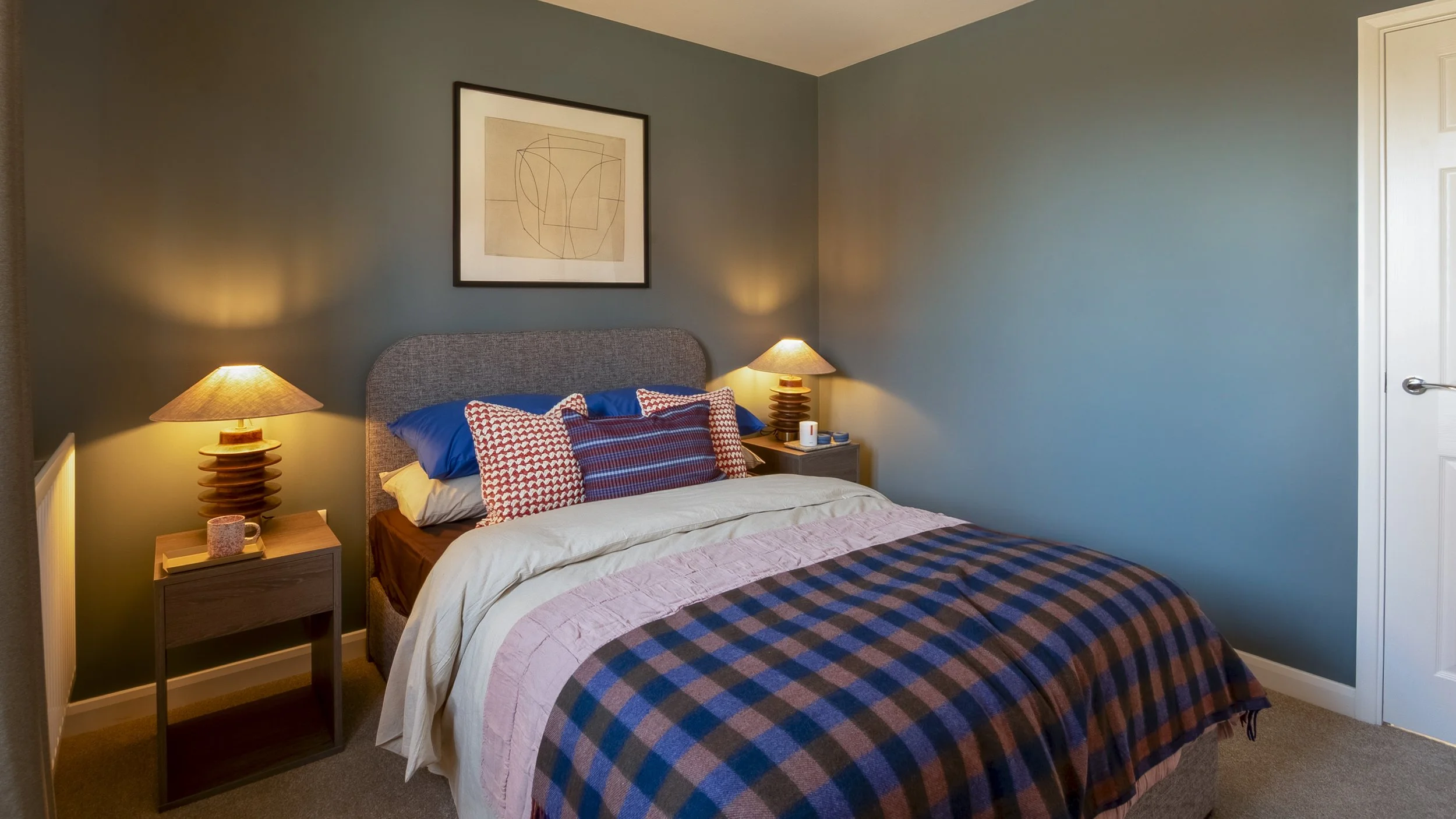
Okay, so this blog is all about answering this key question:
What is the different requirements for photographs between AirBnB and Booking.com!
This guide is designed specifically for hospitality business owners (Airbnb hosts, hotel managers, pub/restaurant owners) who are actively looking to increase bookings or covers by mastering their online presentation.
First, let's do a quick run-through of why professional property photography is such a useful tool.
Photography serves as a potent means of communication across all its diverse genres. Capturing a moment in a photograph unveils a narrative of individuals, surroundings, or sceneries. Research indicates that engaging in photography enhances one's visual recollection of past experiences.
And let's not forget the famous quote: A picture is worth a thousand words!
Capturing high-quality photos of your property is essential for attracting guests and bringing in more direct inquiries. Here is how a professional property photoshoot with me works from start to finish:
Initial Chat: We can talk in person, over the phone, or through Zoom. I'll ask about your goals and the type of photos you want. This helps me understand your project needs, your style, and your brand.
Booking Confirmation: When you schedule a session with me, I'll provide a photography contract to confirm your spot for the photo shoot and professional editing.
Shoot Brief & Shot List: We will make a detailed list of all the shots you want before we start shooting. I can help you compile this list to ensure everything goes smoothly on the day.
Shoot Day: I aim to make the photo session calm, enjoyable, and stress-free. Planning ahead is key, so we can work together smoothly and efficiently.
Delivery: I will select the best photos from our session, edit them to professional standards, and upload them to a private online gallery. You will receive a link to download both high-resolution images (for print/marketing) and web-optimised low-resolution images.
Preparation Checklist: Setting the Stage
To help you prepare your space before the camera clicks, here is a quick list of things to consider:
Freshly made beds (wrinkle-free)
Tidy, clutter-free surfaces
Spotless carpets and flooring
No laundry or cleaning products showing
No visible wires, extension leads, or cables
Include any in-room amenities (tea & coffee station, welcome pack)
Clean mirrors and glass surfaces
Spotless showers/bathtub (with shower curtains pulled open)
No tissues, toilet paper rolls, or bins visible
Toilet lids kept closed
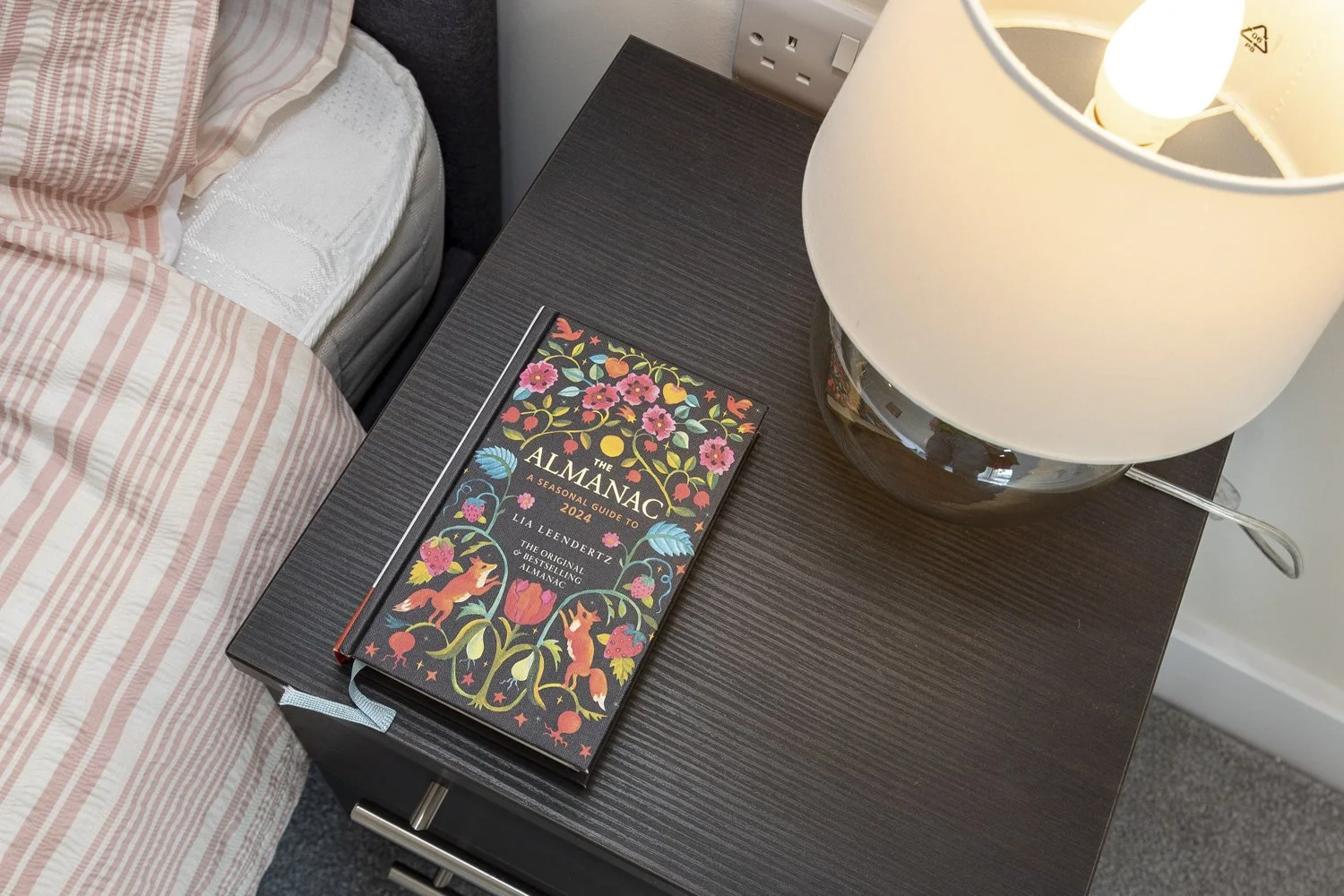
Airbnb Requirements
Set the scene: For a spacious and inviting look, make sure the space is clean and free of clutter.
Daylight works best: Open the blinds and turn on the lights to brighten your space.
Use landscape format: Photos in search results are all displayed in landscape and not vertical photos won’t showcase your space as well.
Upload the right resolution: Use photos that are at least 1024px x 683px. When in doubt, a bigger photo is always better.
Show off unique amenities: Guests love to stay in spaces with character, so call attention to details like a fireplace, artwork, or an outdoor garden barbecue.
Highlight accessibility features: Emphasize things that are helpful to guests with limited mobility, such as wide doorways, step-free floors, and grab rails.
I've included a PDF guide called "Homes Host Pro Photo Guidelines" for you to download from the Airbnb website. It will assist in improving your photography skills.
Set-up will be to photograph rooms to keeps within AirBnb requirements
These images will be of each room
The rooms will be clear and bright
These photosgraphs will be taken with curtains open and ambient lighting turned OFF
Make sure these are removed from bed - towels, stuffed animals, bed runners, flowers, and any other additional decorative items from beds.
Remove all family portraits and personal items
Photograph in-room amenities (Welcome pack)
Landscape format
Shooting requirements
– The minimum resolution size is 480 x 720 px at 72dpi. Each photo should be at least 1024px x 683px.
– Do not create a collage of multiple photos. Each photo must be an individual image.
– Avoid using heavy filters such as black & white or sepia. The more natural, the better!
– Photos must be clear, well-lit, and can’t be distorted.
– Texts & logos added to the images are prohibited by Airbnb.
Booking.com Requirements
Interior Photos
Capture the essence of your property by taking detailed photos from various angles. Ensure you capture at least four photographs of every room or unit, along with a single high-quality image of the bathroom and toilet. This comprehensive visual showcase provides potential guests with a thorough perspective of your layout.
Exterior Photos
When booking a place to stay, travelers seek to view precise photos of the accommodation and its surroundings. It is crucial to capture crisp exterior images that display the property's entrance and the building's facade in relation to the street.
I've included a PDF guide called "Photo Guidelines" for you to download from the Booking,com website. It will assist in improving your photography skills.

Shooting requirements
Use a digital camera or smartphone that has a good camera.
Shoot landscape images (horizontal) only as these look best on our platform.
Photos must have a high resolution, at least 2048 x 1080 pixels but preferably 4000 x 3000 pixels.
Take a minimum of 10 photos.
Take pictures from a height of 100 to 160 cm.
Shoot from room corners to add perspective and depth to your images.
If you’re using 360° photos, the image should have a 2:1 aspect ratio (width must be double its height) and a minimum of 1280 x 900 pixels.
Mistake Prevention: Avoid These Errors on Both Platforms
To keep your listings from being penalized or rejected, avoid these common image mistakes:
Grainy, noisy, or pixelated photos.
Blurry, out-of-focus, or tilt-shift photos.
Over-processed images with strong contrast, over-saturation, or excessive HDR.
Photo collages or split-screen layouts.
Watermarks, logos, or copyright text.
Skewed, tilted, stretched, or distorted photos.
Black-and-white photos.
Extreme wide-angle or fish-eye lens photos that distort room proportions.
The Key Differences in Summary
While both platforms require professional standards, their visual styles differ. Airbnb leans heavily toward lifestyle-focused, warm, natural-light images that showcase the lived-in character, local experience, and personal hosting details. Booking.com operates more like a traditional directory, requiring highly structured, unoccupied, bright room shots alongside clear exterior photos to show safety and physical surroundings.
WHAT NEXT?
Did you find these technical guidelines helpful for setting up your online listings? I’d love to hear your experiences with booking platforms, please leave a comment below!
If you want to step away from the stress of pixels and camera angles, here is how we can work together to get your property booked out:
View My Property Portfolio: Take a look at some of the premium holiday lets and commercial spaces I have captured on the Property Photography Portfolio Page.
Explore Photography Plans: See how we keep local hospitality brands consistently stocked with professional imagery on our Property Page.